Claude Code GitHub Actions: 11 app permissions, 3 used (2026)
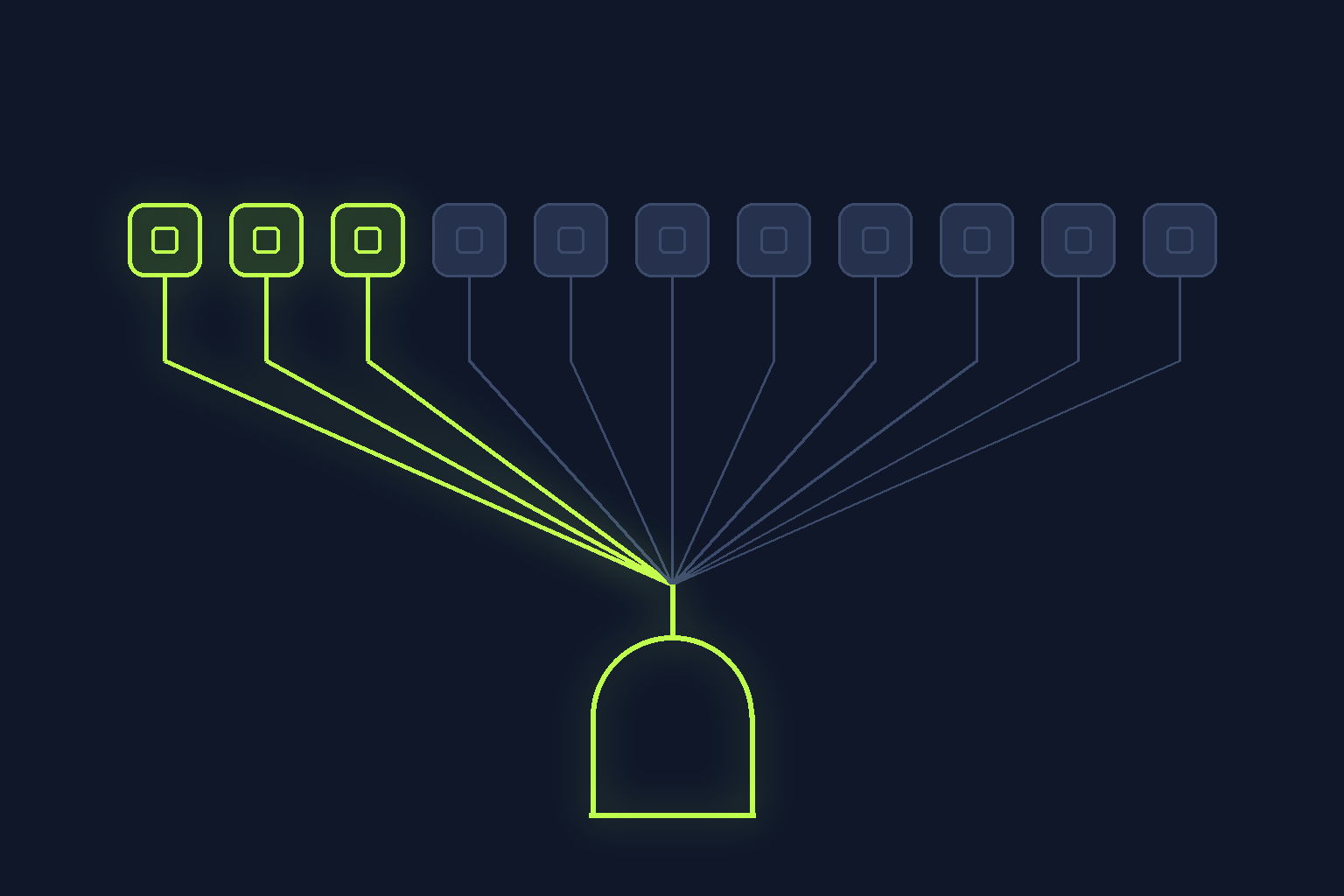
Installing Claude Code GitHub Actions is two decisions, and the app install is the one that sticks. The Claude GitHub App grants 11 repository permissions, the action uses 3, you cannot accept a subset, and the set can grow later. A counted field log.
On this page
Quick answer
Installing Claude Code GitHub Actions is two separate decisions, and the second one is the one that matters. The workflow file is reversible: delete the YAML and the action stops running. The Claude GitHub App is not, quite. Anthropic's documentation says the app is "shared by every Claude feature that integrates with GitHub", that it "relies on three of the app's permissions" for the action itself, and that when you install it "you accept its full permission set. GitHub doesn't let you accept a subset." I counted the table on that page: 11 repository permissions granted, 3 actually used by the action, 8 surplus, and 5 of those 8 carry write access. The docs also say the set "can also change ahead of the features that use it". None of that is hidden. It is just three screens below the copy-paste YAML everyone stops at. Read September 7, 2026.

@claude to answer pull request comments on one repository. One repo. A side project with two contributors and nothing secret in it.
So I did what the docs suggest and ran /install-github-app from the terminal.
It worked. It took about ninety seconds.
Then I went back and read what I had actually agreed to, and the interesting part of this whole feature turned out to be the part I had clicked through.
What I was actually installing
There are two setup paths and the docs are upfront about both. Quick setup runs /install-github-app, which installs the app, writes a repository secret, and opens a pull request with the workflow files already wired. Manual setup means you install the app, add the secret, and copy the workflow yourself.
Both paths need admin access on the repository. Both paths install the same app.
That last sentence is the whole post.
The secret is named for how you authenticate: ANTHROPIC_API_KEY when you use an API key, CLAUDE_CODE_OAUTH_TOKEN when you authenticate with a subscription. In the workflow you pass whichever one you have to the matching input, anthropic_api_key or claude_code_oauth_token.
I am deliberately not quoting a price here. Which secret you use is a mechanism that will still be true next quarter. What each plan costs is not the kind of fact I want a recommendation resting on.
The app is shared, and that is the whole story

The GitHub Actions documentation names them: the Claude Code GitHub Action, Code Review, and auto-fix for pull requests on Claude Code on the web. One app, one install, one permission set, three or more features behind it.
The docs explain the consequence in a single sentence. A GitHub App has "a single permission set covering all of its features, so the set includes some permissions that the Claude Code GitHub Action doesn't use."
This is not a Claude quirk. It is how GitHub Apps work, and GitHub's own guidance on choosing permissions for a GitHub App describes the same model. The app declares a permission set. You take it or you do not install it.
What is specific to this case is the size of the gap between what is granted and what is used.
Eleven permissions, three used, counted
Here is the table from the docs, with the third column added by me.
Scroll to see more
| Permission | Access granted | Used by the action? |
|---|---|---|
| Actions | Read and write | no |
| Checks | Read and write | no |
| Contents | Read and write | yes |
| Discussions | Read and write | no |
| Issues | Read and write | yes |
| Members | Read | no |
| Metadata | Read | no |
| Pull requests | Read and write | yes |
| Repository hooks | Read and write | no |
| Statuses | Read | no |
| Workflows | Read and write | no |
Eleven rows. Eight are read and write. Three are read only.
The docs are explicit that the action "relies on three of the app's permissions": Contents so Claude can modify files, Issues so it can respond to issues, Pull requests so it can open PRs and push changes.
So eight of the eleven are surplus to the feature I installed it for. Five of those eight carry write access: Actions, Checks, Discussions, Repository hooks, and Workflows.
Workflows: read and write is the one that made me stop scrolling. That is write access to the files that define what runs in CI.
I want to be fair about what that means. It is a capability, not an incident. Every one of those permissions exists because some Claude GitHub feature uses it, and the docs say so plainly rather than burying it. But if your mental model was "I gave a bot permission to comment on my PRs", the model is wrong, and it is wrong in a direction worth knowing.
The set can grow after you install it
This is the line I had not considered at all.
The docs say the permission set "can also change ahead of the features that use it". When the app requests a permission it did not have before, GitHub prompts the account owner to approve, an organization owner for an org install, and the installation "keeps its old permissions until they do".
The worked example in the docs is Actions moving from read to write, after which the app can re-run workflows rather than only view runs and logs.
The safety property here is real and I do not want to undersell it: nothing escalates silently. GitHub gates the change behind an explicit approval, and until someone approves, you keep what you had.
But the approval prompt lands on the account or organization owner. On a personal repository that is you. In an org it is whoever holds the owner role, who may have no idea which repository or which feature the request is for.
That is a governance question, not a technical one, and it is the sort of thing that is much easier to answer before you install than eighteen months later.
The escape hatch, and what it costs
There is a documented way out, and the docs state its price in the same paragraph.
If your organization only wants the three permissions the action actually needs, you can create your own custom GitHub App with Contents, Issues, and Pull requests, and point the action at that instead.
The cost: "A custom app covers only the Claude Code GitHub Action. Code Review and web auto-fix still require the official app."
So it is a genuine trade rather than a free win. Minimum permissions, or the full product family. Pick one.
For a repo where I want exactly the @claude mention behaviour and nothing else, the custom app is clearly right. For a team already running Code Review, it is not on the table.
For organizations that would rather not store a long-lived secret at all, there is a third option: workload identity federation, where the action exchanges the workflow's GitHub OIDC token for API access. That needs id-token: write on the job, and the docs note it needs that permission even when you pass your own github_token.
The trigger surface I had not read
While I was in the docs I read the action's own security documentation, which is a separate file in the repository and is blunter than the main page.
Two checks run on whoever triggered a run, and the run fails if either rejects. The triggering user needs write access on issue and pull request events. And bot actors are rejected unless you list them in allowed_bots, which keeps bots from triggering Claude in a loop.
The allowed_bots note carries a warning I would not have guessed:
"Allowed bots are not checked for repository permissions. A bot that matches an entry does not need to be installed on your repository or have write access."
On a public repository, the security doc says external parties including apps created by anyone may be able to trigger workflow events such as opening issues or commenting. If your workflow listens on those events and allowed_bots is set to the wildcard, "any such App can invoke this action with a prompt it controls."
Its advice is to prefer an explicit list over the wildcard and only list app names you trust. The related allowed_non_write_users input is labelled RISKY by the vendor in its own documentation, and the doc says plainly not to use a personal access token with it, because a static token does not rotate between runs and could be recovered over time through prompt injection.
I set an explicit list. It took one line and I would not have known to look.
Two modes, decided by one input
A smaller thing that will bite someone, because it is decided by an absence rather than a setting.
The action detects its mode from the workflow. Provide no prompt input and you get interactive mode: Claude waits for the trigger phrase, @claude by default, and replies as a comment on the issue or PR. Provide a prompt input and you get automation mode: Claude runs without waiting for a mention, and by default the results go to the workflow run log rather than to a comment.
There is no mode: key. Adding a prompt to an interactive workflow silently converts it.
name: Claude Code
on:
  issue_comment:
    types: [created]
jobs:
  claude:
    if: contains(github.event.comment.body, '@claude')
    runs-on: ubuntu-latest
    permissions:
      contents: write
      pull-requests: write
      issues: write
      id-token: write
      actions: read
    steps:
      - uses: actions/checkout@v6
      - uses: anthropics/claude-code-action@v1
        with:
          anthropic_api_key: ${{ secrets.ANTHROPIC_API_KEY }}
Note that permissions: block. It is the workflow token's scope and it is separate from the app's permission set. Two different permission systems, both in play, and the job-level one is the one you actually control per workflow. Keep it minimal. If you have read my notes on Claude Code permissions in settings.json, this is a third system again: local tool permissions, workflow token scope, and app install scope are three separate things that happen to share a word.
actions: read is what lets Claude read CI results on PRs. id-token: write is required for the action's default GitHub App authentication.
Uninstalling is not symmetric
Removing this is more steps than adding it, and the docs enumerate them.
Delete the workflow files and the action stops running. That part is clean.
Delete the secret and, in the docs' own words, the credential it held stays valid. To actually retire an API key you delete the key in the console as well. A deleted secret is a removed reference, not a revoked credential.
And the app: uninstall it "only if you don't use it for another Claude feature, such as Code Review or web auto-fix". The shared front door again, this time on the way out.
What I am still unsure about
I have not verified how the permission-change approval flow behaves in a large organization with restricted app policies. The docs describe the owner prompt, but I only tested a personal repository, where I am the owner and the prompt is trivially mine.
I also have not measured what happens to an in-flight run when an approval is pending. The docs say the installation keeps its old permissions until approval, which implies runs continue with the old set, but implies is not the same as verified and I am not going to state it as fact.
And I read the security documentation rather than testing the allowed_bots behaviour on a public repository, which is not an experiment I want to run on anything real.
The one takeaway
Read the permission table before you run /install-github-app, not after.
The workflow file is the reversible half of this feature and it is the half that gets all the attention. The app install is the half that grants 11 permissions to a feature that uses 3, spans products you may not have adopted, and can request more later. If you only want @claude on pull requests, the custom app with Contents, Issues, and Pull requests is the documented, supported answer, and you give up Code Review and web auto-fix to get it.
That is a trade worth making deliberately. It is a bad one to discover by accident.
P.S. I did keep the official app. I also finally read a permission table before clicking Approve, which for me is the actual milestone here.
Sources
All read on September 7, 2026.
- Claude Code GitHub Actions documentation,
code.claude.com/docs/en/github-actions, for the setup paths, the permission table, the shared-app statement, the three permissions the action relies on, the no-subset statement, the custom-app trade, the interactive and automation modes, and the uninstall steps. claude-code-actionsecurity documentation,github.com/anthropics/claude-code-action/blob/main/docs/security.md, for the write-access and bot-actor checks, theallowed_botswarning, and theallowed_non_write_usersguidance.- GitHub documentation on choosing permissions for a GitHub App, for the general model of how app permission sets are declared and accepted.
Written by
Dani ReyesDani Reyes writes DevMoment field notes on AI dev workflow, tested on real work rather than demos.
Frequently asked questions
How many permissions does the Claude GitHub App actually request?
Eleven repository permissions, according to the table in Anthropic's Claude Code GitHub Actions documentation read on September 7, 2026: Actions, Checks, Contents, Discussions, Issues, Members, Metadata, Pull requests, Repository hooks, Statuses and Workflows. Eight of those are read and write, three are read only. The documentation separately states that the Claude Code GitHub Action itself relies on three of them, namely Contents, Issues and Pull requests.
Can I install the Claude GitHub App with only the permissions the action needs?
Not with the official app. The documentation states that when you install the app you accept its full permission set and that GitHub does not let you accept a subset. The documented alternative is to create your own custom GitHub App with just Contents, Issues and Pull requests and point the action at that. The trade is explicit in the same docs: a custom app covers only the Claude Code GitHub Action, while Code Review and web auto-fix still require the official app.
Why does the app ask for more permissions than the GitHub Action uses?
Because the app is shared. Anthropic's documentation says the Claude GitHub App is used by every Claude feature that integrates with GitHub, including the Claude Code GitHub Action, Code Review, and auto-fix for pull requests on Claude Code on the web. A GitHub App has a single permission set covering all of its features, so the set includes permissions the action does not use.
Can the Claude GitHub App gain new permissions after I install it?
Yes, but not silently. The documentation says the permission set can change ahead of the features that use it. When the app requests a permission it did not have before, GitHub prompts the account owner to approve it, an organization owner for an organization install, and the installation keeps its old permissions until they do. The worked example given is Actions access moving from read to write, which lets the app re-run workflows rather than only view runs and logs.
What is the difference between interactive mode and automation mode?
The action decides from your workflow rather than from a mode setting. With no prompt input it runs in interactive mode and waits for the trigger phrase, which is @claude by default, then replies as a comment on the issue or pull request. With a prompt input it runs in automation mode without waiting for a mention, and by default the results go to the workflow run log rather than to a comment. There is no mode key, so adding a prompt to an interactive workflow converts it.
Is allowed_bots safe to set to a wildcard?
The action's own security documentation advises against it. It warns that allowed bots are not checked for repository permissions, so a bot that matches an entry does not need to be installed on your repository or have write access. On a public repository it notes that external parties, including apps created by anyone, may be able to trigger workflow events such as opening issues or commenting, and that if allowed_bots is set to the wildcard any such app can invoke the action with a prompt it controls. It recommends an explicit list of trusted app names instead.
Keep reading

Claude Code Permissions: The settings.json I Actually Run (2026 Field Log)
The three arrays, the precedence rule nobody explains, the two gotchas that cost me an afternoon, and the exact settings.json allow, ask, and deny block I run now.
Claude Code Headless: Running claude -p in CI Without It Hanging (2026 Field Log)
My CI step running claude -p hung for the full timeout, waiting on a permission prompt no human would answer. The three flags that fix headless Claude Code, the jobs I kept, and the two I ripped back out.
Claude Code Code Review: A Solo Dev Field Log (2026)
Claude Code code review is really two products with one name: a Team-only GitHub PR service and a free local /code-review command. I ran the local one on my own agent-written code for two weeks. Here is what it caught, and the REVIEW.md trap nobody mentions.