Cursor vs Claude Code: I Ran Both Side by Side for a Month (2026 Field Log)
A month of running Cursor and Claude Code on the same repo. The honest 2026 verdict: it is not either-or, and the real question is not IDE vs CLI.
Updated on August 23, 2026

On this page
I have been running Cursor and Claude Code on the same repo, side by side, for a month. The honest 2026 verdict: they were never the either-or choice the internet keeps framing them as. Cursor is where I stay in the loop and edit. Claude Code is where I hand a whole task off and walk away. I kept both, and I route work between them by how much I want to watch.


Quick answer (2026): reach for Cursor when you are actively typing and want tight edit-and-review. Reach for Claude Code when you want to delegate a multi-file job and come back to a result. Most "which is better" posts miss that the real question is not which tool. It is which interaction model the task deserves.
Why "IDE vs CLI" is the wrong frame in 2026
Almost every top comparison still splits it the same way: Cursor is an IDE, Claude Code is a CLI. That was a clean line in early 2025. It is blurry now.
Cursor ships a command-line agent you can run outside the editor. Claude Code plugs into VS Code and JetBrains and can show its diffs in your editor gutter. The terminal-versus-editor wall came down this year.
So I stopped asking "editor or terminal" and started asking one question per task: do I want to steer every diff, or hand off the outcome and review it at the end? That question sorts almost everything.
What I actually reach for Cursor for
Cursor wins when my hands are already on the keyboard.
Tab completion that reads three files of context and finishes the line I was about to type. Inline edits on a selection with a quick prompt. Reading an unfamiliar function and asking about it without leaving the pane. The .cursorrules file to nudge its house style.
The feel is: I am driving, it is finishing my sentences. When I am exploring code I have never seen, or doing surgical edits I want to eyeball as they land, I am in Cursor. The review happens in flow, one diff at a time, because I never left the file.
What I actually reach for Claude Code for
Claude Code wins when I want to stop watching.
"Rename this concept across the whole codebase and fix the tests." "Wire this new endpoint end to end." I type the task, it plans, it edits ten files, it runs the tests in a loop until they pass, and I read the result instead of the keystrokes.
Two things make it my default for delegation. It reads CLAUDE.md at session start and keeps it in context the whole run, so the project rules do not fall out of the window halfway through. And I can push side work onto subagents and route cheaper models per task with Claude Code Router so a big job does not burn my main context.
There is a real community consensus on that context difference. As one developer put it in the r/ClaudeCode thread that ranks first for this exact search: "CC reads your CLAUDE.md at session start and keeps it in context; cursor uses .cursorrules which works differently."
The split I actually run
This is the routing table taped to the inside of my head after a month. It is not a scorecard. It is which tool I open for which job.
Scroll to see more
| The job | I open | Why |
|---|---|---|
| Explore an unfamiliar file | Cursor | Read and ask without leaving the pane |
| Finish a line I started | Cursor | Tab completion with real context |
| Surgical edit I want to watch land | Cursor | Review happens in flow |
| Wide multi-file refactor | Claude Code | Plans and edits across files, I review at the end |
| "Do this whole feature" | Claude Code | Hand off, come back to a diff |
| Fix failing tests in a loop | Claude Code | Runs, reads output, retries on its own |
| Enforce long project rules | Claude Code | CLAUDE.md stays in context all run |
The pattern is boring once you see it. Cursor for the work I want to stay inside. Claude Code for the work I want to delegate. Nothing about a terminal or an editor decides it.
The cost question, honestly
People want a dollar winner here and I will not fake one, because both pricing models moved in 2026 and you should check the live page before you commit.
Directionally: Claude Code's heavy usage lives behind a flat monthly subscription tier, which is predictable if you run big autonomous jobs all day. Cursor's entry tier is cheaper to start, with metered agent usage on top once you lean on the heavy models. If your day is mostly in-editor autocomplete and small prompts, Cursor is likely cheaper. If your day is mostly "go build this while I do something else," the flat Claude Code tier stops the meter anxiety. Confirm both on Anthropic's and Cursor's own pricing pages, this month, before you decide. The numbers shift.
What running both actually costs you
Here is the part the "you only need one" posts skip. Running both is not free.
You keep two config files, CLAUDE.md and .cursorrules, and they drift apart the second you forget one. You hold two mental models of how autonomous the thing in front of you is. And you Cmd-Tab between windows mid-task more than you would like to admit.
I still think both is right for me. But if you value one config, one window, one bill, and one mental model over the routing flexibility, picking a single tool is a completely defensible call. Cursor if you like to stay in the diff. Claude Code if you like to delegate. Neither is the wrong answer, and in 2026 neither is really an IDE-versus-CLI answer anymore.
P.S. I keep meaning to write a script that syncs CLAUDE.md and .cursorrules from one source of truth. I have been meaning to do that for the whole month. That is the most honest data point in this post.
Written by
Dani ReyesFrequently asked questions
Is Cursor or Claude Code better in 2026?
Neither is strictly better. In a month of side-by-side use, Cursor wins for in-editor work you want to stay inside (autocomplete, surgical edits, exploring code), and Claude Code wins for tasks you want to delegate and review at the end (wide refactors, whole features, fixing tests in a loop). Pick by how much you want to watch the work happen.
Is Cursor vs Claude Code really an IDE vs CLI comparison?
Not anymore. As of 2026 Cursor ships a command-line agent and Claude Code integrates into VS Code and JetBrains, so the terminal-versus-editor line has blurred. The real dividing line is the interaction model: steering every diff yourself versus handing off the outcome.
Which is cheaper, Cursor or Claude Code?
It depends on your day and both pricing models changed in 2026, so check the live pages. Directionally, Cursor's entry tier is cheaper to start with metered heavy-model usage, while Claude Code's heavy usage sits behind a flat monthly subscription that is predictable for all-day autonomous jobs. Mostly-autocomplete days favor Cursor; mostly-delegation days favor the flat tier.
Can you use Cursor and Claude Code together?
Yes, and after a month that is what I settled on. The cost is real: you maintain two config files (CLAUDE.md and .cursorrules) that drift apart, hold two mental models, and switch windows mid-task. If you value one config and one bill more than routing flexibility, picking a single tool is defensible.
What is the difference between CLAUDE.md and .cursorrules?
Both hold project instructions, but they behave differently. Claude Code reads CLAUDE.md at session start and keeps it in context for the whole run, so long project rules stay in the window. Cursor uses .cursorrules to shape its edits and completions within the editor. Keeping the two in sync is the main tax of running both tools.
When should I use Claude Code instead of Cursor?
Use Claude Code when you want to delegate a whole task and come back to a result: wide multi-file refactors, building a feature end to end, or fixing failing tests in a loop where it runs, reads output, and retries on its own. Use Cursor when your hands are already on the keyboard and you want to review each change in flow.
Keep reading

Claude Code Subagents: The 2 I Actually Kept (2026 Field Log)
Two weeks of pushing real work onto Claude Code subagents. The two I kept, the frontmatter line that actually decides delegation, and the gotcha that cost me an afternoon.
Claude Code Router: What I Actually Route (2026)
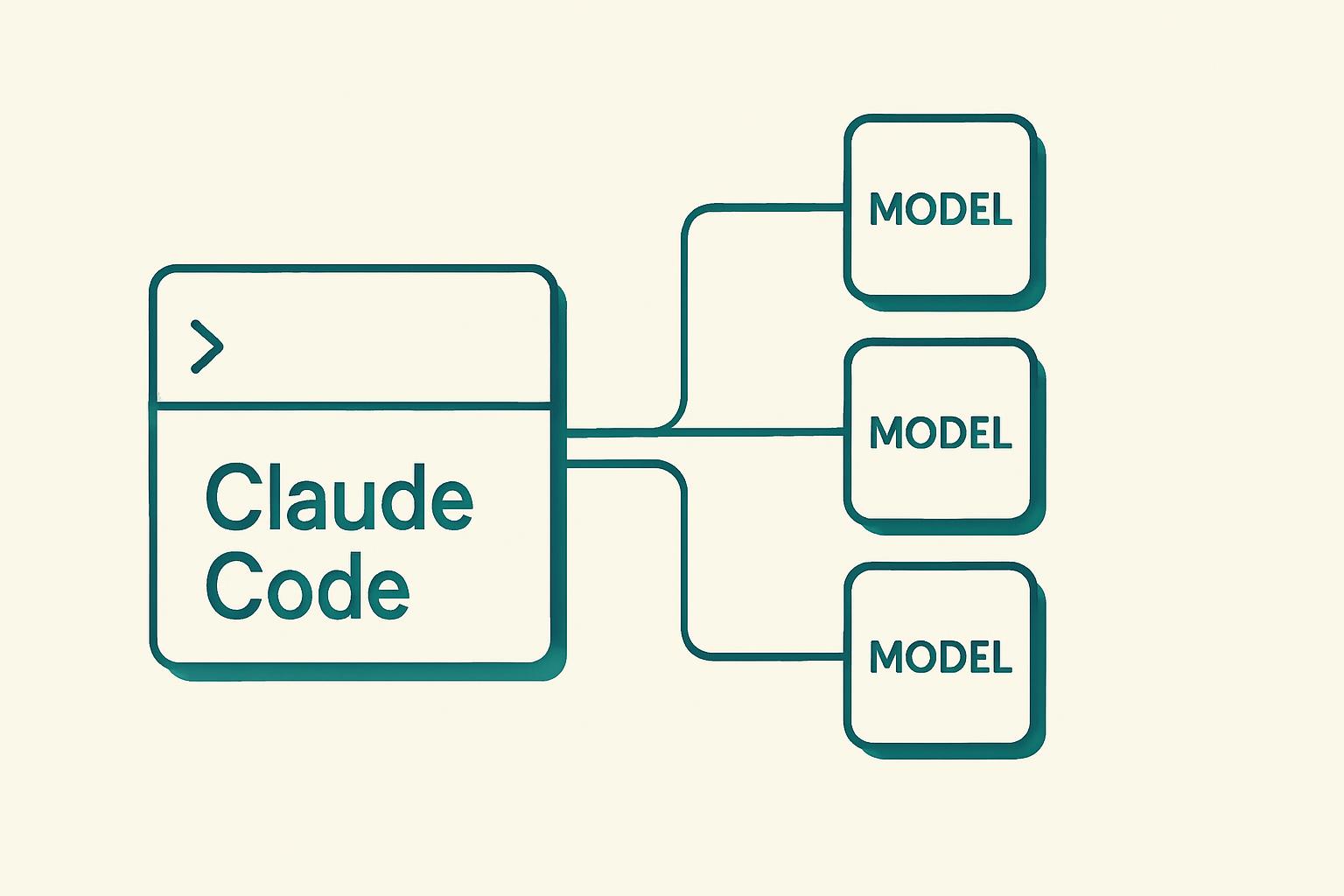
I lived on Claude Code Router for two weeks in 2026. Here is the per-task routing config I actually run, and where routing to cheap models quietly wrecks a session.
Context rot: two guards, split by model, and one model gets neither
Context rot is real and Anthropic now names it in its own docs. The useful question in 2026 is narrower: your Claude model ships with one of two self regulation mechanisms, or with neither, and they do not overlap. Sonnet and Haiku get context awareness free and automatic. Opus needs a beta header. Opus 4.6 gets nothing.