Claude Code Checkpoints: What /rewind Actually Restores (2026 Field Log)
Claude Code checkpoints and /rewind are fast in-session recovery, not version control. A field log on what a checkpoint actually captures, what it silently ignores (bash writes, your own hand-edits), and the two-line git habit that keeps it safe.
Updated on July 27, 2026
On this page
Claude Code shipped checkpoints in v2.0, and for the first two weeks I trusted them more than they deserved. Then a /rewind quietly walked me back over a file I had edited by hand, and I lost forty minutes of work that the checkpoint system never knew existed. This is the field log I wish I had read first: what a checkpoint actually captures, what it silently ignores, and the two-line habit that makes it safe.
Quick answer (July 2026)
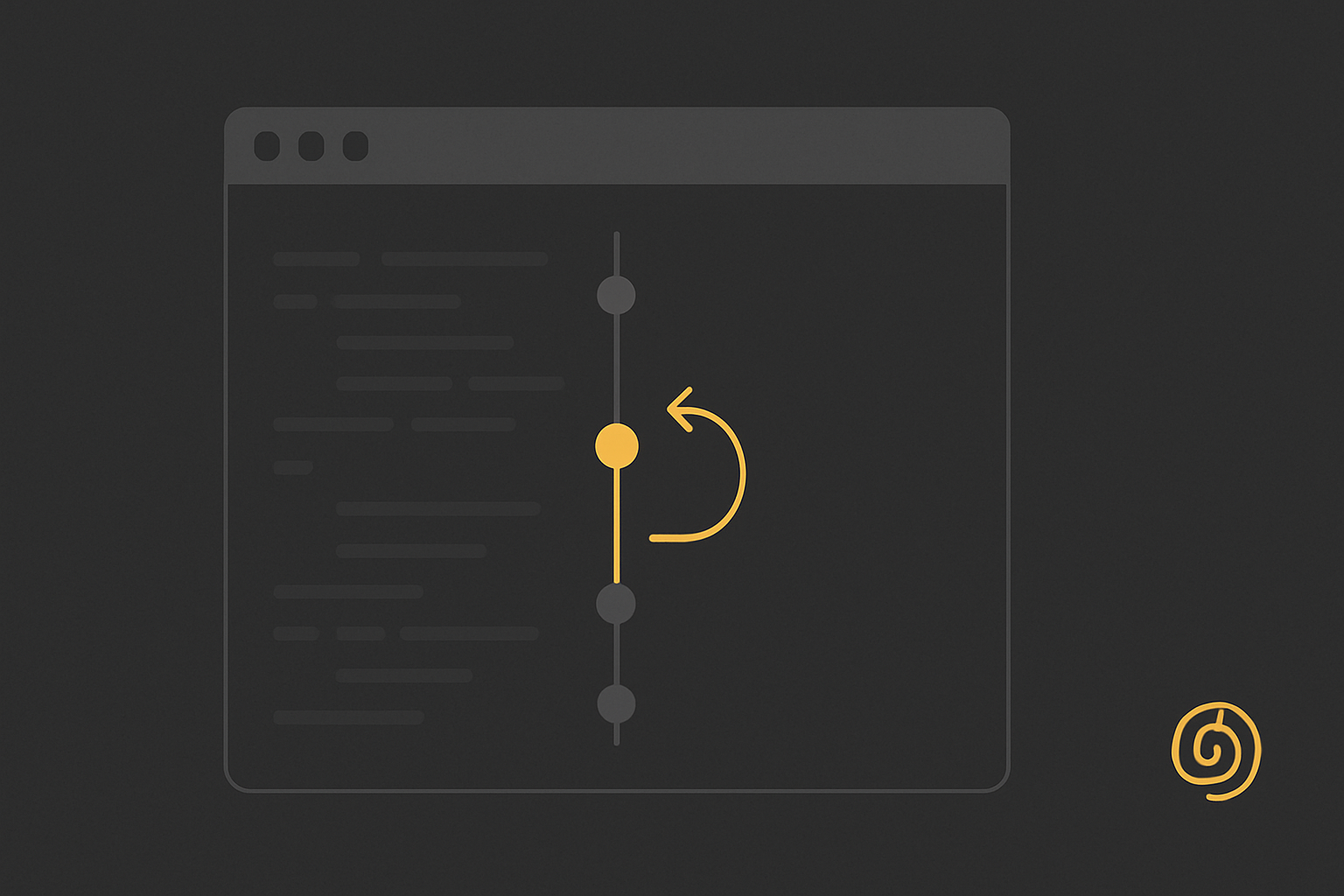
Claude Code checkpoints are automatic, in-session file snapshots. Before Claude makes an edit through its own file tools, it saves the state of the affected files. You roll back to an earlier one by tapping Esc twice or running /rewind, which can restore your code, the conversation, or both. The catch that costs people work: checkpoints only track edits Claude makes. Changes made by a bash command, or by you in your own editor, are not captured, so a rewind can leave your tree in a state neither you nor the checkpoint intended. Treat rewind as fast in-session recovery, not as version control. Git is still your floor.
What a checkpoint actually is
Every prompt you send creates a checkpoint. Before Claude writes to a file with its edit tools, it records the prior contents, so the timeline of checkpoints is really a timeline of "the file states right before each of Claude's changes." Anthropic's own description, quoted in the launch discussion on Hacker News, is blunt about the mechanism: the system saves your code state before each change and lets you rewind by tapping Esc twice or using /rewind.

/rewind gets you back in one keystroke instead of a manual git checkout dance. For in-loop experimentation it is the feature I missed most before v2.0.
When you trigger a rewind, you get to choose the scope:
- Code only rolls the files back but keeps the conversation, so Claude still remembers what you were discussing.
- Conversation only rewinds the chat context without touching your files.
- Both resets the pair together, which is the closest thing to a true "go back in time."
The claude-howto community walkthrough covers the mechanics cleanly if you want a reference beyond the built-in help: checkpoints and rewind on GitHub.
What it does not track (this is the part that bites)
Here is the mental model correction that took me a lost afternoon. A checkpoint is not a filesystem snapshot. It is a record of the edits Claude itself made through its file tools. Everything else is invisible to it.
Scroll to see more
| Change | Tracked by a checkpoint? |
|---|---|
| Claude edits a file via its edit tool | Yes |
| Claude creates a file via its edit tool | Yes |
A bash command writes or deletes a file | No |
| You edit a file yourself in your editor | No |
| A build step, formatter, or codegen writes files | No |
git operations Claude runs in bash | No |
The community caught this fast. The most-cited thread on the topic is titled, flatly, "Claude Code's /rewind isn't an undo button. It doesn't track bash", and the follow-ups are full of people who assumed rewind was a universal undo and lost work when it wasn't.
My own version: I asked Claude to run a migration script through bash, then hand-edited a config file while it worked. A later /rewind to "both" rolled Claude's tracked edits back but left the migration's output in place and blew away my manual config edit, because the checkpoint had no memory of either. The tree ended up in a state that had never actually existed. Nothing was corrupted, but nothing was recoverable from the checkpoint alone.
The habit that makes it safe
None of this makes checkpoints bad. It makes them a session tool, not a safety net. The two rules I now run without exception:
- Commit before any turn you would hate to lose. A cheap
git add -A && git commit -m "wip"before a big refactor gives you a floor that checkpoints do not. Checkpoints are per session and ephemeral; a commit is durable. I pair this with the tight tool permissions from my Claude Code permissions field log so nothing destructive runs without a prompt in the first place. - Do not mix hand-edits and bash-writes into a turn you might rewind. If I am editing files myself, I let Claude finish and I take a checkpoint boundary before touching anything. When I am delegating to a subagent that shells out a lot, I assume rewind will not save me and I lean on git instead.
Follow those two and rewind becomes what it is good at: a fast, low-friction way to abandon a bad idea inside a session without leaving the terminal.
Where checkpoints beat git, and where they lose
Checkpoints win on speed and granularity inside a session. They snapshot at every prompt automatically, with zero ceremony, and they can rewind the conversation too, which git obviously cannot. For the "try a wild refactor, hate it, undo" loop, they are strictly better than committing every experiment.
Git wins on everything durable. It survives the session, it tracks every change regardless of who made it, it does not care whether the edit came from Claude, a bash script, or your own hands, and it gives you a real history you can diff and share. The correct move in 2026 is to run both: checkpoints for in-loop recovery, git for the actual record. They are not competitors. Treating a checkpoint as if it were a commit is exactly how the "I lost my code to a rewind" threads happen.
Sources
- Anthropic, checkpoint behavior quoted in the launch discussion, Hacker News, 2026: https://news.ycombinator.com/item?id=45418602
- "Claude Code's /rewind isn't an undo button. It doesn't track bash," r/ClaudeAI, June 2026: https://www.reddit.com/r/ClaudeAI/comments/1u8cgpc/claude_codes_rewind_isnt_an_undo_button_it_doesnt/
- "Checkpoints and Rewind," claude-howto, GitHub, 2026: https://github.com/luongnv89/claude-howto/blob/main/08-checkpoints/README.md
Written by
Dani ReyesFrequently asked questions
What are Claude Code checkpoints?
They are automatic, in-session snapshots of file state. Before Claude edits a file with its own tools, and on every prompt you send, it saves the prior state so you can roll back with the /rewind command or by tapping Esc twice.
Does /rewind track changes made by bash commands?
No. Checkpoints only capture edits Claude makes through its file tools. Anything written or deleted by a bash command, a build step, or your own manual editing is invisible to the checkpoint system, so a rewind will not undo those changes.
Can /rewind restore the conversation as well as the code?
Yes. When you rewind you can choose to restore code only, conversation only, or both together. Restoring both is the closest thing to going back in time to an earlier point in the session.
Are checkpoints a replacement for git?
No. Checkpoints are per-session and ephemeral, and they only track Claude's own edits. Git is durable, tracks every change regardless of source, and survives the session. Use checkpoints for fast in-loop recovery and git as your real safety net.
How do I trigger a rewind in Claude Code?
Tap the Esc key twice, or run the /rewind command in the session. You then pick an earlier checkpoint and choose whether to roll back code, conversation, or both.
Keep reading
Claude Code Permissions: The settings.json I Actually Run (2026 Field Log)
The three arrays, the precedence rule nobody explains, the two gotchas that cost me an afternoon, and the exact settings.json allow, ask, and deny block I run now.
Claude Code Subagents: The 2 I Actually Kept (2026 Field Log)
Two weeks of pushing real work onto Claude Code subagents. The two I kept, the frontmatter line that actually decides delegation, and the gotcha that cost me an afternoon.
Context rot: two guards, split by model, and one model gets neither
Context rot is real and Anthropic now names it in its own docs. The useful question in 2026 is narrower: your Claude model ships with one of two self regulation mechanisms, or with neither, and they do not overlap. Sonnet and Haiku get context awareness free and automatic. Opus needs a beta header. Opus 4.6 gets nothing.