Kiro vs Claude Code: A One-Feature Field Log (2026)
I shipped the same feature twice, once in Kiro and once in Claude Code. The code converged; the workflow did not. How I route between spec-driven and terminal-native in 2026.
On this page
Quick answer (2026): Kiro vs Claude Code is not a code-quality contest, it is a workflow-shape choice. Both largely run Anthropic models under the hood (Kiro's Auto mode routes among Claude Opus, Sonnet, and Haiku; Claude Code runs Opus 5), so the generated code converges. What actually differs is ceremony and surface: Kiro is a standalone spec-driven IDE that turns a prompt into requirements, design, and tasks before it writes code; Claude Code is a terminal-native agent that asks permission and lives in the shell you already have open. I keep Claude Code as my daily driver and reach for Kiro when I am starting a fuzzy multi-file feature from a vague idea.
I spent a week shipping the same feature twice.
Once in Kiro. Once in Claude Code.
Same repo, same feature, same me. The goal was simple: stop reading the marketing pages and find out what the two tools actually feel like on one real job.
Here is what I learned.
What Kiro and Claude Code are in 2026

.kiro/ config, steering files, and hooks follow you across all of them.

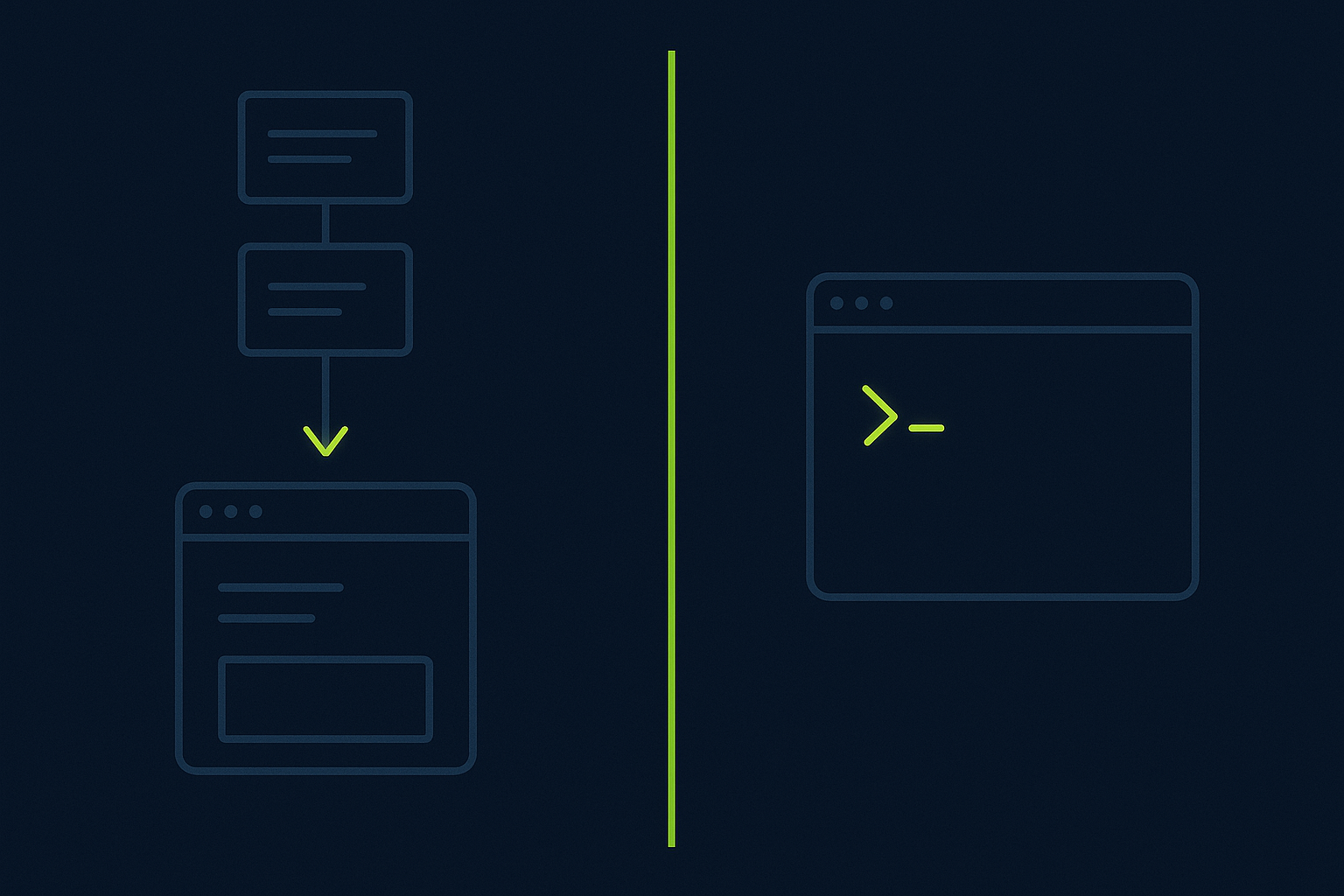
One is an editor you move into. The other is a guest in your terminal.
The convergence nobody mentions
Read the top comparisons and you will think this is a fight about who writes better code.
It mostly is not.
Kiro's Auto mode "picks the best model for the task based on complexity," and the models it picks from include Claude Opus, Sonnet, and Haiku (alongside Deepseek v3.2 and MiniMax M2.5). Claude Code runs Opus 5. So on a normal task, both tools are often asking the same family of Anthropic models to write the same function.
The code came out about the same. The diffs were close enough that I would not bet money on telling them apart in a blind review.
That is the whole point of this post. If the models converge, the decision is not "which is smarter." It is "which workflow shape do I want today."
The test: one feature, both tools
I picked a feature with just enough surface area to be honest: add a "share to public link" toggle to a small SaaS side project.
That touches four things:
- A database change for a shareable token.
- An API route that resolves the token.
- An access rule so private rows do not leak.
- A UI toggle and a copyable link.
Not a one-liner. Not a rewrite. The kind of fuzzy, multi-file change where a plan is worth something.
I built it in Kiro on Monday and threw the branch away. I built it again in Claude Code on Tuesday from the same starting commit.
What Kiro's spec ceremony felt like
Kiro made me slow down before it let me go fast.
I described the feature, and instead of editing files it produced a spec: a requirements doc, a design doc, and a task list. I could read the plan, argue with it, and fix the access-control assumption (it initially wanted the token to grant write access, which was wrong) before a single line changed.
That artifact was the value.
The requirements and design files sat in .kiro/ and read like something I would have written if I were disciplined. When Kiro started executing tasks, it was checking work against a plan I had already approved. Steering files let me pin house rules once, and hooks let me run a check on save.
The cost is ceremony. For a feature this size, the spec ritual paid for itself. For a one-line fix, it would feel like filing paperwork to change a lightbulb. If you want a longer look at the spec workflow versus a lighter spec tool, I wrote a separate Spec Kit vs Kiro field log about exactly that tension.
What Claude Code in the terminal felt like
Claude Code did not ask me to plan. It asked me before it acted.
I typed the same feature request in my existing terminal, watched it search the repo, and then it proposed the schema change and paused for permission. I approved the migration. It wrote the API route and paused again before running anything against the database.
No new window. No project ceremony. Just my shell, my dotfiles, and an agent that stops at the door.
When I was not sure about a step, plan mode let me get a written approach first, and rewind let me undo a change cleanly. The whole thing felt like pairing with someone fast who respects that it is my machine.
The cost is that there is no persistent spec artifact. The plan lives in the moment. On a fuzzy feature, I sometimes wished for the written requirements doc that Kiro handed me for free.
Kiro vs Claude Code, side by side
Scroll to see more
| Criterion | Kiro | Claude Code |
|---|---|---|
| Surface | Standalone IDE on Code OSS, plus CLI, web, mobile | Terminal-native, plus VS Code, JetBrains, web, mobile |
| Default posture | Plan first: requirements, design, tasks | Ask first: permission before edits and commands |
| Underlying models (2026) | Auto routes Claude Opus/Sonnet/Haiku, Deepseek v3.2, MiniMax M2.5 | Opus 5 |
| Best for | Fuzzy multi-file features you want planned | Known changes you want done fast in the shell |
| Persistent artifact | Yes, specs in .kiro/ | No, plan lives in the session |
| Extensibility | Steering files, hooks, MCP, custom agents, skills | Subagents, MCP, plan mode, rewind, routines |
| House ceremony | Higher | Lower |
Sources: kiro.dev and claude.com product pages, read August 2026. Model routing and permission behavior are quoted from each vendor's own documentation.
How I actually route between them
After the two builds, my rule is about the shape of the work, not the brand.
Reach for Kiro when the change is fuzzy and multi-file and you want a written plan you can review before any code moves, or when you are new to a codebase and want steering files to encode the house rules.
Reach for Claude Code when you already know the change, want to stay in the terminal, and value an agent that asks before it touches disk. It is also my pick for quick surgical edits, CI, and headless runs.
For most of my week, that means Claude Code. It is where my shell already is. This matches how I ranked the wider field in my roundup of the AI coding agents I actually reach for: the winner is usually the one that fits the task, not the one that scores highest on a benchmark.
The one honest surprise: developers on r/kiroIDE keep landing in the same place, running Kiro for planning and Claude Code for fast execution, sometimes on the same feature.
Where each one loses
Neither tool is a clean winner, so here is the honest ledger.
Kiro loses when you want to move now. It is heavier: its own IDE, more ritual, a newer and smaller ecosystem than Claude Code's. The spec flow is a tax on small changes.
Claude Code loses when you want a durable plan. There is no persistent requirements or design artifact, so on a gnarly feature you are trusting the plan in the moment instead of reviewing a document. And the ask-first posture, which I love on a real repo, is friction on a throwaway branch where I would rather it just went.
Same models. Different day-to-day. That is the real trade.
Verdict
If you want the code to be planned before it is written, Kiro's spec-driven flow earns its ceremony on anything fuzzy and multi-file.
If you want an agent that lives in your terminal and asks before it acts, Claude Code is the lower-friction daily driver.
I kept Claude Code open all week. I keep Kiro one folder away for the next feature I cannot yet hold in my head.
P.S. I threw away the Kiro branch, but I kept its requirements doc. That tells you something.
Written by
M. PatelM. Patel writes DevMoment field notes on AI coding agents, tested on real work rather than demos.
Frequently asked questions
Is Claude Code better than Kiro in 2026?
Neither wins outright. Because both largely run Anthropic models (Kiro's Auto mode routes among Claude Opus, Sonnet, and Haiku, and Claude Code runs Opus 5), the generated code converges. The real difference is workflow shape: Kiro plans first with specs, Claude Code asks permission and stays in your terminal. Pick by the task, not the brand.
Can Kiro use Claude models?
Yes. Per kiro.dev, Kiro's Auto mode picks the best model for the task and its options include Claude Opus, Sonnet, and Haiku from Anthropic, alongside Deepseek v3.2 and MiniMax M2.5. So a normal Kiro task is often powered by the same Claude family that powers Claude Code.
Is Kiro a VS Code fork?
Kiro is a standalone IDE built on Code OSS, not a VS Code extension. It imports your VS Code settings, themes, and Open VSX compatible plugins, and it also ships as a CLI, a web app, and a mobile monitor sharing one .kiro/ configuration.
Does Claude Code ask permission before changing files?
Yes. Claude Code's own product page states it asks for permission before making changes to your files or running commands. That ask-first default is the opposite of a plan-first spec flow, and it is the main reason it feels safe to run inside a real repo.
What is spec-driven development in Kiro?
Spec-driven development is Kiro turning a prompt into executable specs before it writes code: a requirements doc, a design doc, and a task list you can review and edit. The specs persist in .kiro/, so the agent executes against a plan you already approved.
Should I use Kiro or Claude Code for a small fix?
For a small, known change, Claude Code is usually the better fit because there is no spec ceremony and it runs in the terminal you already have open. Save Kiro's requirements-design-tasks flow for fuzzy, multi-file features where a written plan is worth the overhead.
Keep reading
The AI Coding Agents I Actually Reach For in 2026
Six AI coding agents sit in my dock in 2026, but I do not open all six every day. Here is the honest field log of which one I reach for when the task is a refactor, a chore, or a tight edit loop, plus the routing rule that keeps surviving.
Spec Kit vs Kiro vs a Plain plan.md: The Spec-Driven Setup I Kept (2026 Field Log)
Quick answer (2026): I ran the same feature through GitHub Spec Kit, Kiro, and a plain plan.md in Claude Code to see which spec-driven setup actually earns its place. Spec Kit wins for writing shared project rules, Kiro wins for killing spec-and-code drift, and a hand-written plan.md wins on setup cost. The plain plan.md is the one I kept.
Claude Code plan mode: when it earns its place (2026)
A field note on Claude Code plan mode after months of daily use: when it saves me, when I skip it, three failure modes the listicles miss, and the exact habit I built around it.